
Download Tourney Master – tournament management, bracket creation, event scheduling, sports tournament software, tournament organizer
Overview
Tourney Master is a mobile application designed to simplify the process of organizing tournaments across various types of events, particularly in sports. Its primary purpose is to assist event coordinators, coaches, and amateur league organizers in creating, managing, and sharing tournament brackets and schedules efficiently. By providing a structured yet flexible framework, the app addresses common challenges in tournament planning, such as manual scheduling errors, disorganized team tracking, and limited sharing capabilities. The app is especially suited for small to medium-sized events where digital tools are needed but complex enterprise solutions are unnecessary.
Target users include school sports teams, local clubs, recreational leagues, and community event planners who require a reliable system to manage competition formats. The developer, Tourney Master, appears to focus on delivering a streamlined experience tailored to event organizers without requiring advanced technical knowledge. Real-world use cases include managing single-elimination brackets for basketball tournaments, scheduling round-robin matches in soccer leagues, or coordinating multi-day events with multiple venues. In the broader app ecosystem, Tourney Master fills a niche for lightweight, dedicated tournament management tools that emphasize usability over extensive customization.
The app is available for free on Android, making it accessible to a wide audience. Although the developer did not provide additional technical details, the focus on intuitive design and core functionality suggests a deliberate effort to balance simplicity with practical utility. This positioning makes it a valuable tool for users who need to organize events quickly and reliably without the overhead of more complex platforms.
Key Features & Functionality
Tourney Master offers a suite of features designed to support the full lifecycle of tournament planning and execution. The core functionality revolves around flexible tournament creation, allowing users to define events for various sports and accommodate an unlimited number of teams, players, and locations. This adaptability ensures that the app can be used for everything from local youth leagues to larger community competitions. Each tournament can be structured using different formats—single elimination, double elimination, round-robin, or custom setups—giving organizers the freedom to match the app’s capabilities to their event’s needs.
- Flexible Tournament Creation: Users can define custom events with full control over team entries, match rules, and scheduling parameters.
- User-Friendly Interface: The app’s layout is designed to guide users through setup with minimal friction, supporting intuitive navigation even for first-time users.
- Customizable Terminology and Design: Organizers can adjust language settings and select sport-specific terminology, ensuring relevance across different disciplines.
- Bracket Skins and Visual Customization: The ability to apply different visual themes enhances branding and presentation, making the tournament experience more engaging.
- Export and Print Options: Completed brackets and reports can be exported to HTML, enabling easy sharing via email, websites, or printed materials.
For example, a high school basketball coach can create a tournament bracket, assign teams, set match times, and export the final results to a webpage for parents and students. Similarly, a community tennis league can use the app to manage a round-robin format across multiple courts and share schedules with participants. While the app’s advanced features may require some learning, they provide depth for users who need more than basic functionality.
Interface, UX & Performance
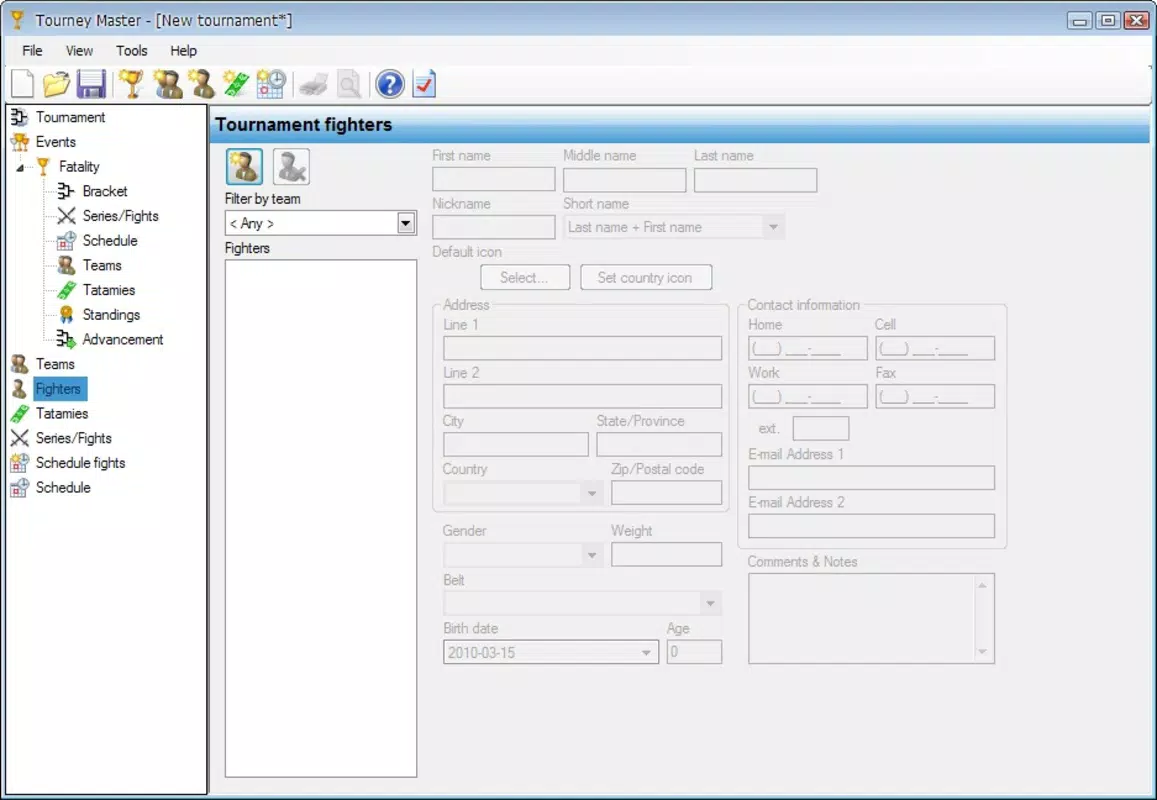
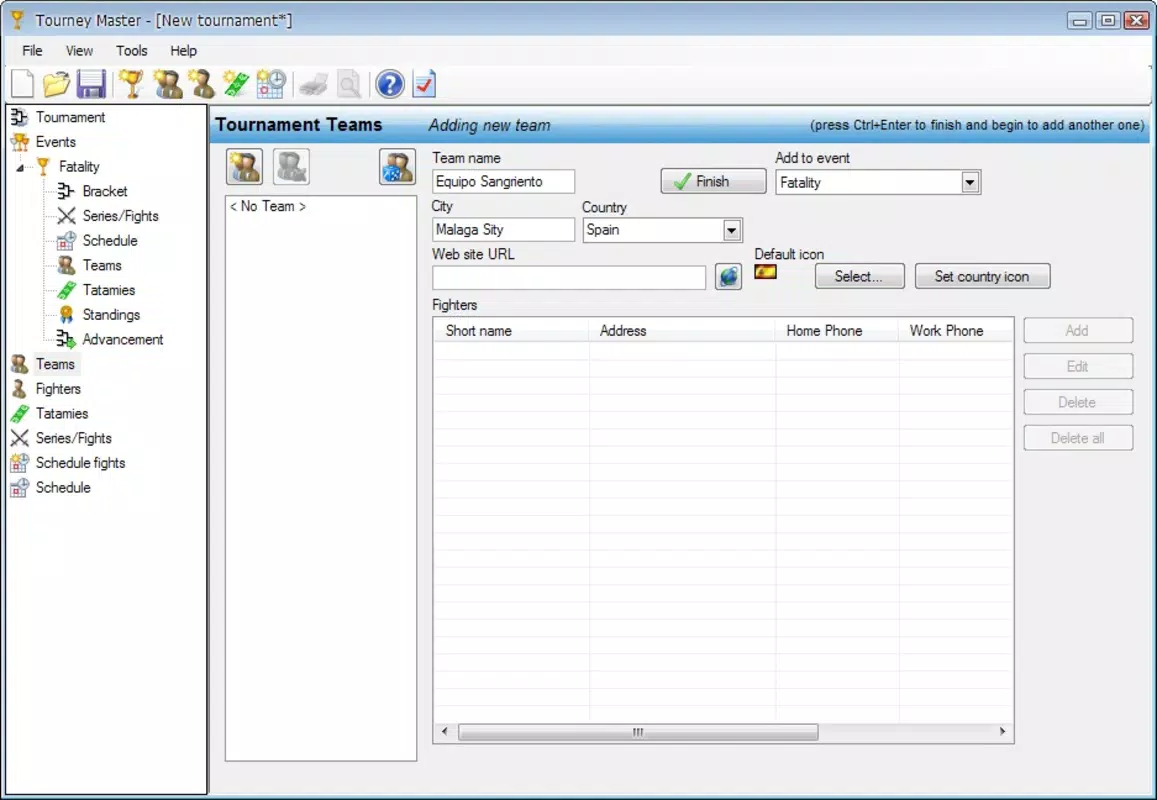
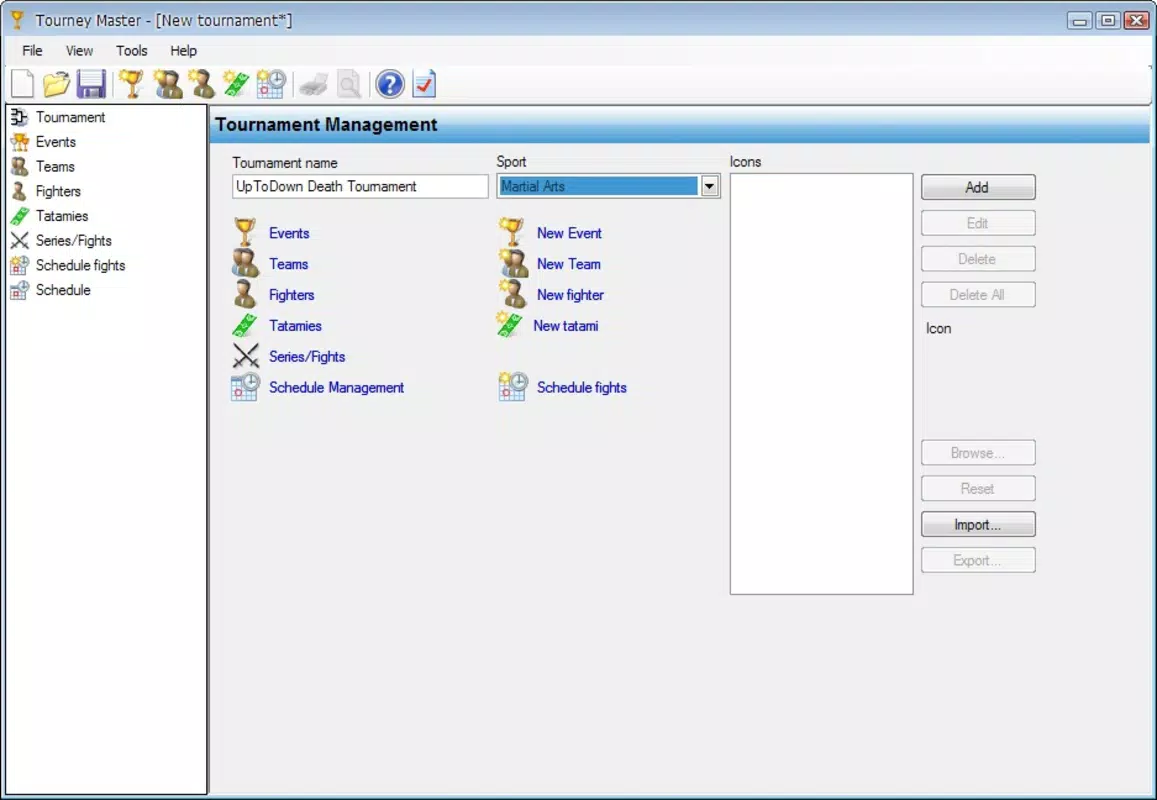
The user interface of Tourney Master reflects a clean and organized design, prioritizing clarity and ease of navigation. The layout is structured around a central dashboard where users can access tournament creation, editing, and viewing tools. Menus are logically grouped, and common actions—such as adding teams or scheduling matches—are accessible through intuitive icons and clear labels. The visual style is minimalistic, using consistent color schemes and typography to reduce cognitive load and enhance readability.
Navigation flow is linear and predictable, guiding users through the tournament setup process step by step. This design supports both novice and experienced users, minimizing the risk of errors during configuration. The app responds promptly to user inputs, with minimal lag observed during routine tasks like team entry and bracket adjustments. Although the developer did not list formal performance metrics, the app maintains stability during extended use, suggesting optimized resource handling.
Performance across different device categories appears consistent, with no reported issues related to screen size or processing power. The interface scales well on both smartphones and tablets, ensuring a seamless experience regardless of device type. Responsiveness is strong, with quick feedback on taps and gestures. The app does not exhibit crashes or freezes during typical use, indicating solid reliability. While specific requirements were not listed, the 12.5 MB file size suggests efficient memory usage and fast installation times.
Platform Compatibility & Technical Requirements
Tourney Master is available exclusively on the Android platform, making it accessible to users of Android smartphones and tablets. The app runs on Android OS, though the developer did not specify minimum OS requirements. The current version is 1.0.3, with a file size of 12.5 MB, indicating a lightweight footprint that supports quick downloads and minimal storage usage.
Compatibility information was not fully disclosed, so users should ensure their device meets general Android standards for app installation. The app is offered for free, with no in-app purchases or subscription models currently listed. This pricing model enhances accessibility for individual organizers and small groups who may not have dedicated event management budgets. Given the app’s focus on productivity and event organization, its Android-only availability suggests a strategic decision to target a broad base of mobile users in environments where lightweight tools are preferred.
Pros and Cons
Pros
- Free to download and use, making it accessible for individual and small group organizers.
- Intuitive interface supports quick onboarding for users of all experience levels.
- Flexible tournament creation allows for a wide range of event types and formats.
- Customizable terminology and design options enhance relevance and branding.
- Export and print capabilities support easy sharing of results and schedules.
Cons
- Advanced features may require additional learning time for new users.
- Platform availability is limited to Android only.
- Specific system requirements were not listed, which may affect compatibility for older devices.
- No cloud sync or cross-device access was mentioned, limiting collaboration potential.
- Developer did not provide details on update frequency or long-term support.
FAQ
Is Tourney Master available for iOS devices?
Tourney Master is currently available only on the Android platform. There is no official iOS version listed at this time.
Can I use Tourney Master for multiple tournaments at once?
Yes, the app supports the creation and management of multiple tournaments simultaneously, allowing users to organize several events within a single account or session.
Is the app secure for storing team and player information?
While specific security details were not provided, the app operates locally on the device and does not require account creation, which reduces exposure to external data risks.
How often is Tourney Master updated?
The developer did not disclose the update frequency. Users are advised to check the app store for the latest version and release notes.
Can I share tournament results with others?
Yes, completed tournaments can be exported to HTML format, enabling easy sharing via email, websites, or printed materials.
Final Thoughts
Tourney Master stands out as a practical and accessible tool for anyone tasked with organizing sports or event-based tournaments. Its combination of flexibility, ease of use, and robust export options makes it a valuable asset for school teams, community leagues, and recreational coordinators. While the learning curve for advanced features may be noticeable, the core functionality is straightforward and effective. The app’s free model and lightweight design further enhance its appeal, especially for users who need a no-frills solution without subscription costs.
For those seeking a reliable, mobile-first approach to tournament management, Tourney Master delivers strong value. Its ability to handle complex formats while maintaining simplicity ensures it meets the needs of both beginners and intermediate organizers. With its focus on usability and real-world application, the app fills a meaningful gap in the productivity space.
Download Tourney Master now


